Label Editor R02

Code: WX-010-0094

Compare products
Quote list
Views4

R02

 
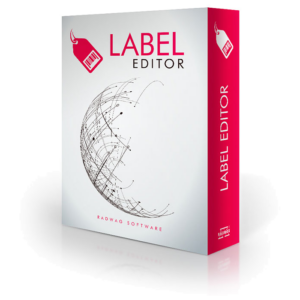
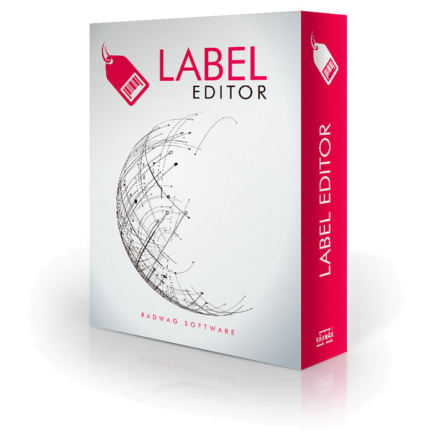
R02 Label Editor is a proprietary application of RADWAG, which allows users to make labels for industry scales, scales intended for EX area, PGC scales and checkweighers. It is used to design labels for scales operating in labelling, counting, dosing and formula making systems, and in automatic scale systems.
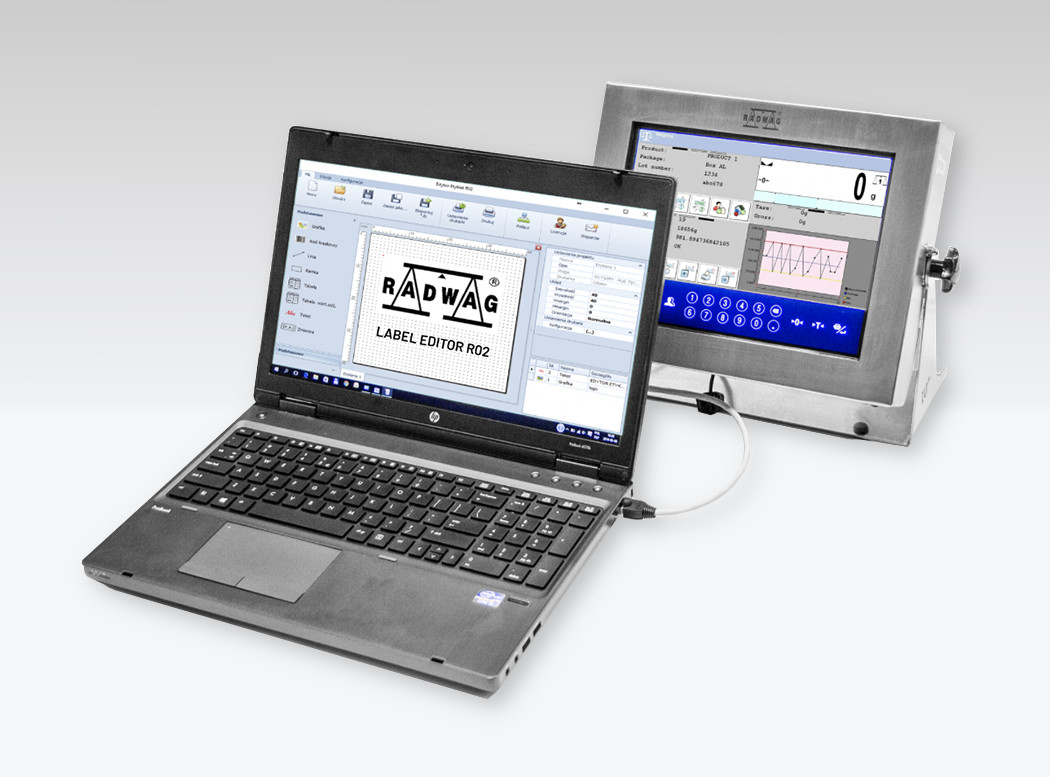
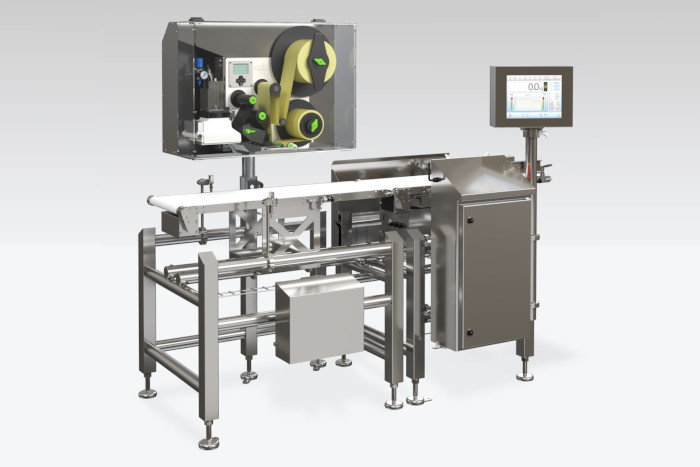


R02 Label Editor is compatible with:

  • advanced C32, HX7 and HX5.EX series scales,
  • professional HY10, TMX, WLY, WPY and 5Y series scales,
  • DWM, DWT and DWR series checkweighers.


Label Editor functionality:

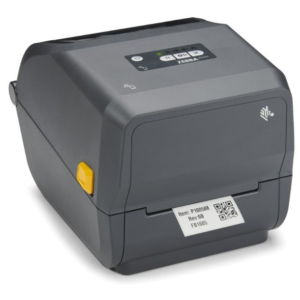
  • making label templates for ZEBRA label printers that support EPL-II and ZPL-II programming languages,
  • making label templates for CAB Hermes printers,
  • sending graphics and fonts to printer memory,
  • change of DPI for the designed label,
  • change of label size and label print direction,
  • declaring label printout quantity,
  • support of code pages: WE – Windows 3.1 Latin 2, E1 – ISO 8859/1: Latin 1, PM – PC-850 Multilingual,
    PE – PC-852 Latina 2, PC – PC-8 Code Page 437, E7 – ISO 8859/7 Latin/Greek, WR – Cyryllic and WL – Windows-125,
  • available label components: graphics, bar code, line, frame, table, nutrition facts label, static text, variable value,
  • support of 1D bar codes: Code 3 of 9, UPC-A, UPC-E, Interleaved 2 of 5, Interleaved 2 of 5 Check Digit, Code 128 A,
    Code 128 B, Code 128 C, GS1-128, EAN-13 (JAN-13), EAN-8 (JAN-8), HIBC, CODEBAR (NW-7), Int 2 of 5, Plessey, UPC 2DIG ADD, UPC 5DIG ADD, Code 93, UCC/EAN128,  UCC/EAN128 for K-MART and UCC/EAN128 Random Weight,
  • support of 2D bar codes: UPS MaxiCode, PDF417 and DataMatrix,
  • selection between 13 different graphic styles.
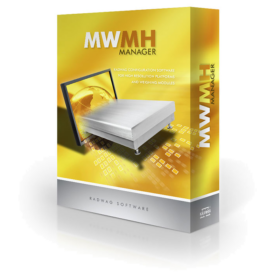


Operating systemWindows 7, 8, 10
  • Air density correction
  • ALIBI Memory
  • Ambient conditions monitoring
  • Animal weighing
  • Automatic sliding door
  • Autotest
  • BMI
  • Checkweighing
  • Density determination
  • Differential weighing
  • Dosing
  • Dry mass determination
  • Drying modes
  • Formulation
  • GLP Procedures
  • Internal battery
  • IR sensors
  • Labelling
  • Mass for titrator
  • Microwave drying
  • Moisture content analysis
  • Moveable range
  • Newton unit measurement
  • Packaged Goods Control
  • Parts counting
  • Peak hold
  • Percent Weighing
  • Pipettes Calibration
  • Plus/Minus Control
  • Replaceable unit
  • Samples drying
  • Statistical Quality Control
  • Statistics
  • Totalizing
  • Transactions
  • Under-pan weighing
  • Wi-Fi
  • Additional information line
  • Colour Touch Screen
  • Communicationinterfaces
  • Data exchange throughUSB storage devices
  • Electroniclevel indicator
  • Ergonomic Mechanical Design
  • Extra function keys
  • Grill pan
  • Infraredproximity sensors
  • Interfaces
  • Levelling System
  • Modes
  • Portability
  • SMARTLab
  • USB at the Balance Front

Product documentation

1. Label Editor R02 - Installation Open video
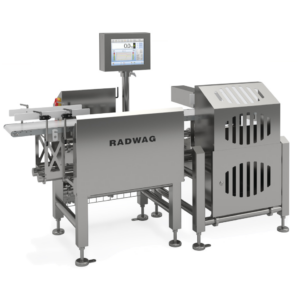
2. Label Editor R02 - Introduction Open video
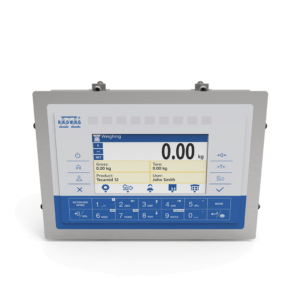
3. Label Editor R02 - Label design Open video
4.1. Adding a new product on a scale equipped with HY10 terminal Open video
4.2. Entering values from nutrition table to product record on a scale Open video
4.3. Designing product label Open video
4.4. Exporting product label from Label Editor to HY10 terminal Open video
4.5. Assigning a label to a product recorded on a scale Open video
4.6. Export of fonts and images used for the label design to the printer Open video
5. Sample weighing with sticking the label onto the sample packaging Open video
RADWAG LABEL EDITOR Open video